API for any appAPI: integrate color, brand & screenshot extraction into your app• Get API key

Generate color palettes from any website.
Extract grouped color combos from any website. Enter a URL to get a design palette.
'/%3e%3cdefs%3e%3clinearGradient%20id='paint0_linear_96_2285'%20x1='64.6607'%20y1='50.1667'%20x2='28.2605'%20y2='41.2248'%20gradientUnits='userSpaceOnUse'%3e%3cstop%20stop-color='%239A9A9A'/%3e%3cstop%20offset='1'%20stop-color='%23DADADA'/%3e%3c/linearGradient%3e%3c/defs%3e%3c/svg%3e)
Built with love by 
Brand Colors
mediumslateblue
rgb(99, 102, 241)
cornflowerblue
rgb(141, 143, 248)
lavender
rgb(214, 214, 255)
Homepage Colors
lightsteelblue
rgb(187, 186, 222)
black
rgb(4, 5, 21)
dimgray
rgb(84, 90, 103)
slateblue
rgb(100, 99, 215)
lightslategray
rgb(124, 132, 147)
darkslategray
rgb(45, 49, 62)
mediumslateblue
rgb(135, 92, 233)
darkslategray
rgb(60, 68, 82)
darkslateblue
rgb(46, 48, 95)
For developers
Build with brand data
Fetch logos, colors, fonts and company details for any website in one API call, the same API that powers colorize.design.
{
  "name": "Stripe",
  "colors": [
     "#635BFF",
     "#0A2540",
     "#00D4FF"
  ],
  "fonts": ["Sohne", "Inter"],
  "logo": "…/stripe.svg"
}
For AI agents
Brand data, right in your agent
Connect to the MCP server and Claude, Codex or Cursor can pull logos, colors and fonts for any site on their own. No code to write.
claude mcp add --transport http prefetch \
  https://api.prefetch.io/mcp \
  --header "X-API-Key: $PREFETCH_API_KEY"

# Then just ask:
#
#   Get the brand colors and fonts for stripe.com
# and turn them into a Tailwind theme.About colorize.design
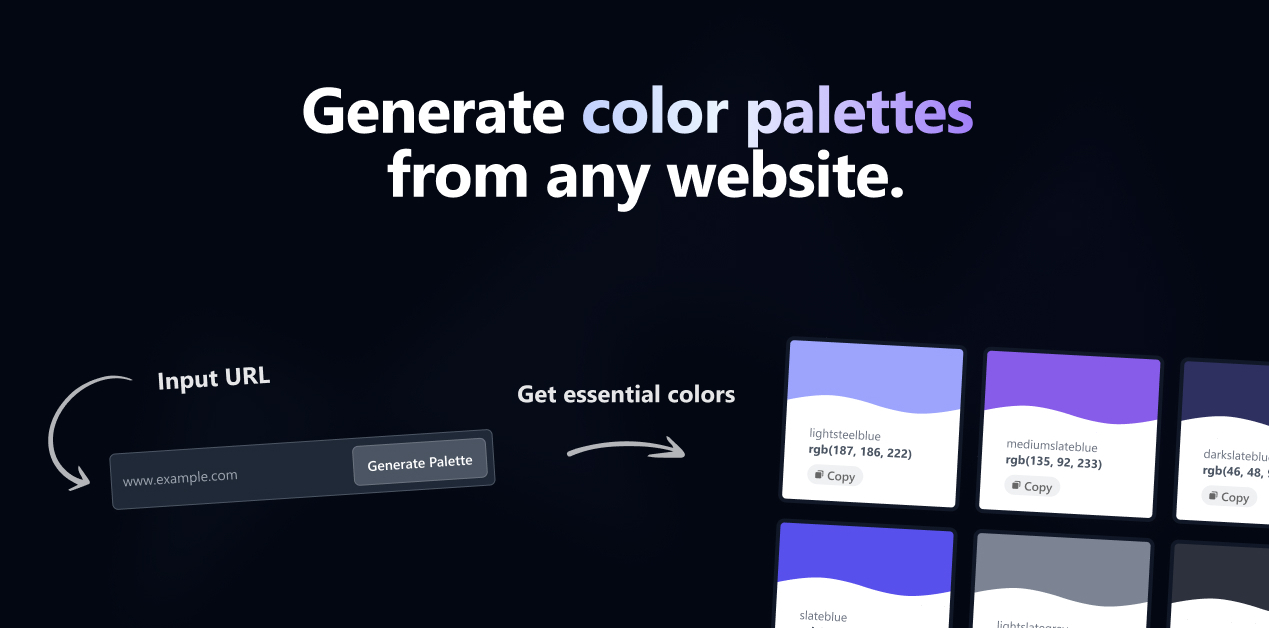
colorize.design is a free online color palette extractor that pulls the real colors out of any website. Paste a URL and the tool instantly generates a color palette from the site's brand colors, logo, homepage screenshot, and its underlying HTML, CSS, and JavaScript — no sign-up required. It's built for designers, developers, and brand teams who need to extract a color scheme from a website in seconds and export it in the format their tools expect.
How to extract a color palette from a website
- Copy the URL of the website you want colors from.
- Paste it into the box at the top of colorize.design and press Generate.
- Review the extracted palette — grouped into brand colors, logo colors, homepage colors, and the nearest named colors.
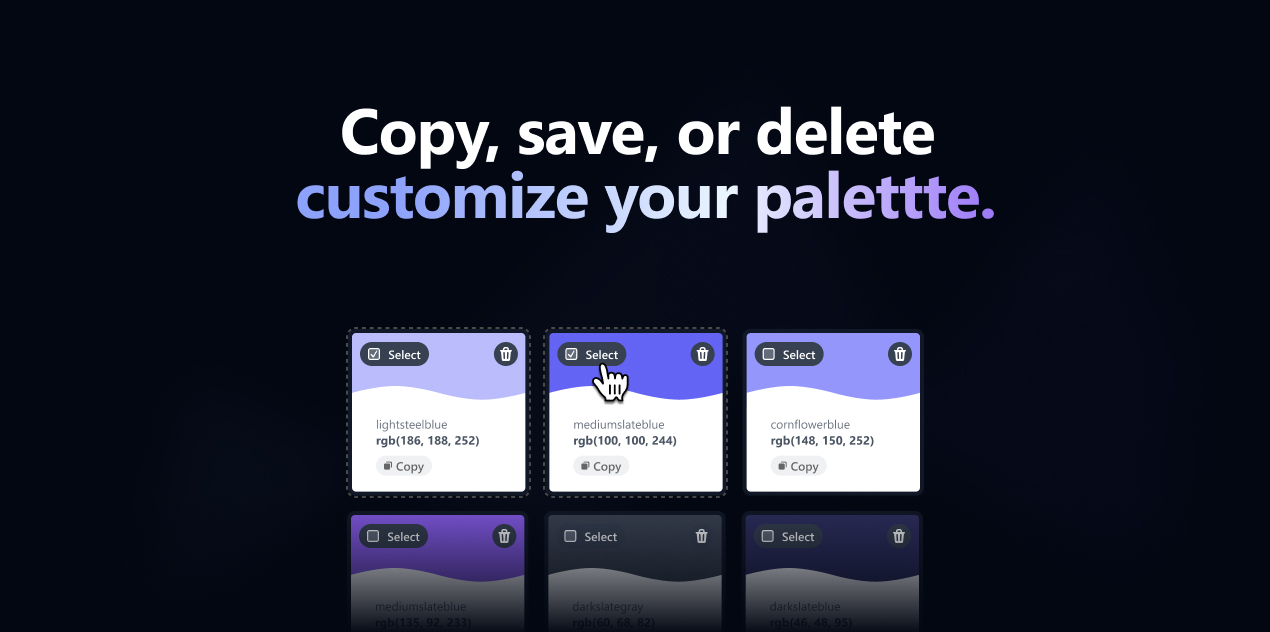
- Select the swatches you want and copy any hex code with one click, or download the whole palette.
That's it — you can pull colors from a website and build a reusable palette in under ten seconds.
What colorize.design extracts
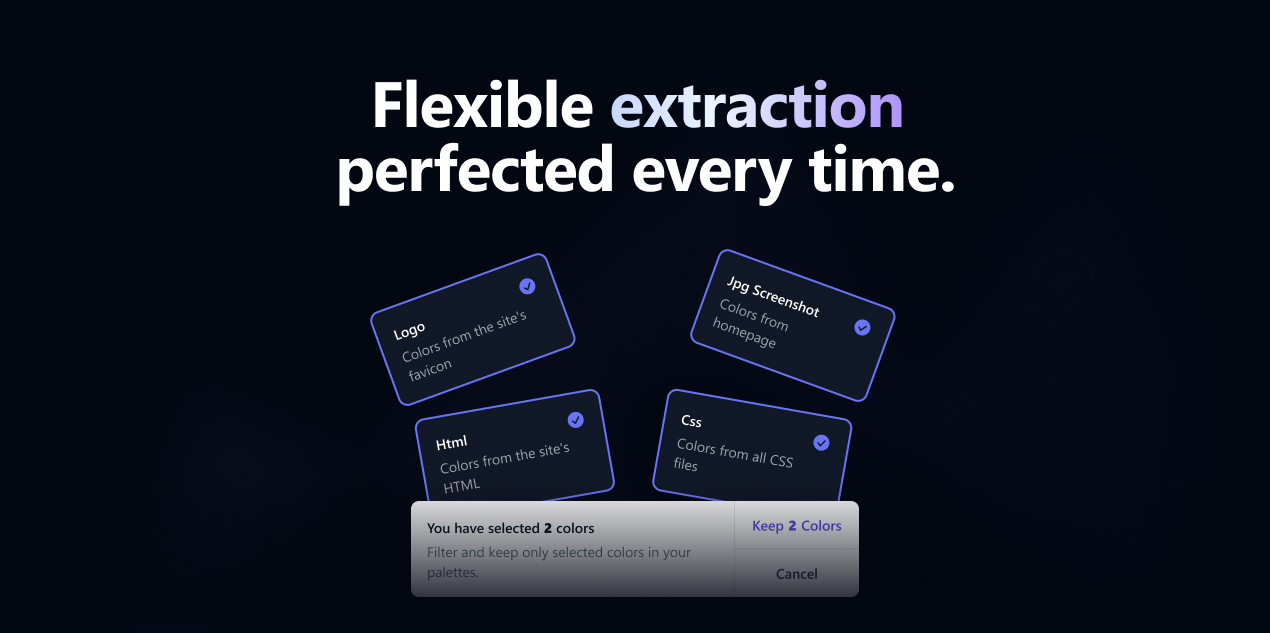
- Brand colors — the primary and secondary colors a site uses consistently, detected automatically.
- Logo colors — the dominant colors pulled from the brand's logo.
- Homepage colors — colors sampled from a live screenshot of the site's homepage.
- HTML, CSS & JavaScript colors — every color declared across the site's code.
- Nearest named colors — each extracted color matched to its closest named color for easy reference.
Add your own colors
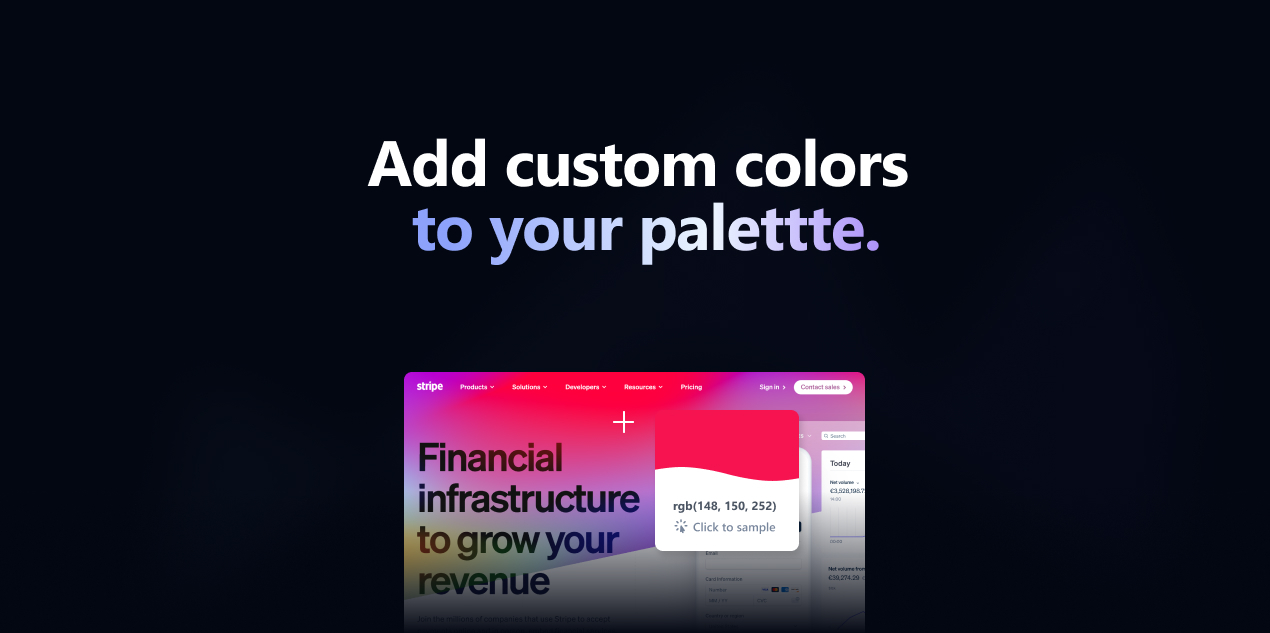
Missed a color? Sample any pixel straight from the site's homepage screenshot and add it to your palette, or drop in a custom hex code — the easiest way to pick an exact color from a website and keep everything in one place.
Who uses it
Web designers use it to match a client's existing color scheme, developers grab exact hex and brand colors from a website to reproduce a design system, and brand strategists audit how a company uses color across its site. Anyone who needs to find the color palette of a website — a competitor's site, a source of inspiration, or their own — can do it here for free.
Export and download formats
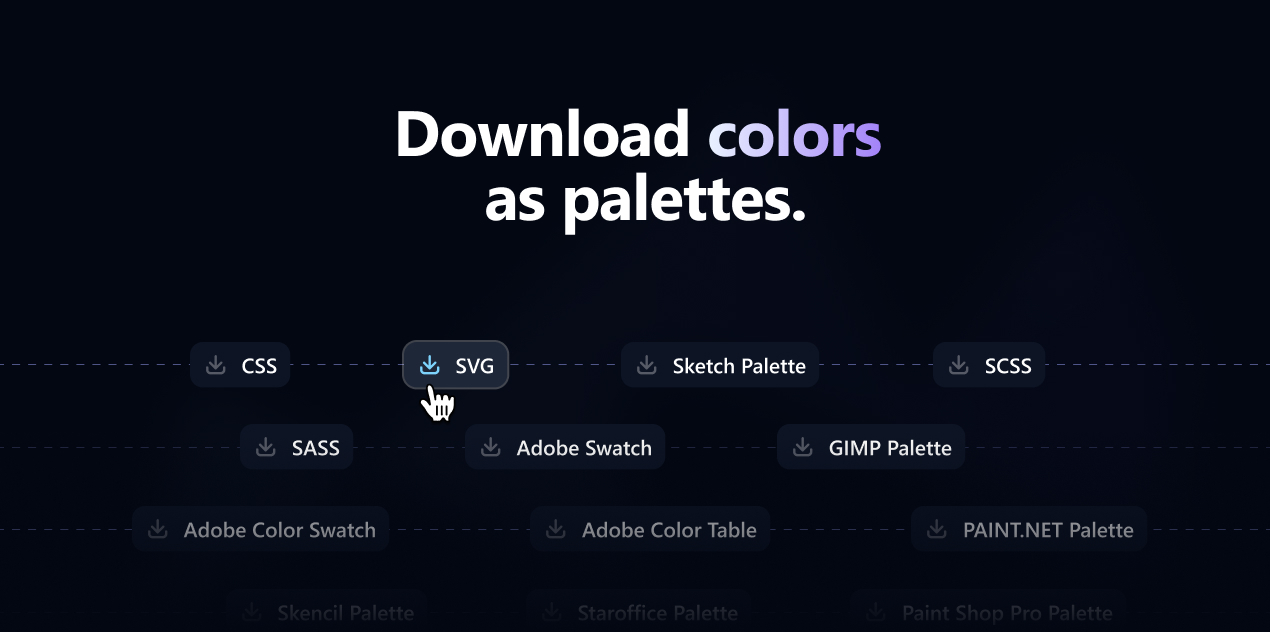
Download your palette in the format your workflow needs: CSS variables, SVG, SASS and SCSS, Adobe Swatch Exchange (ASE), Adobe Color Table (ACT), Adobe Color Swatch (ACO), Sketch Palette, GIMP (GPL), and more. Copy individual hex codes, or export the full color scheme to drop straight into Figma, Adobe, Tailwind, or your codebase.
colorize.design API
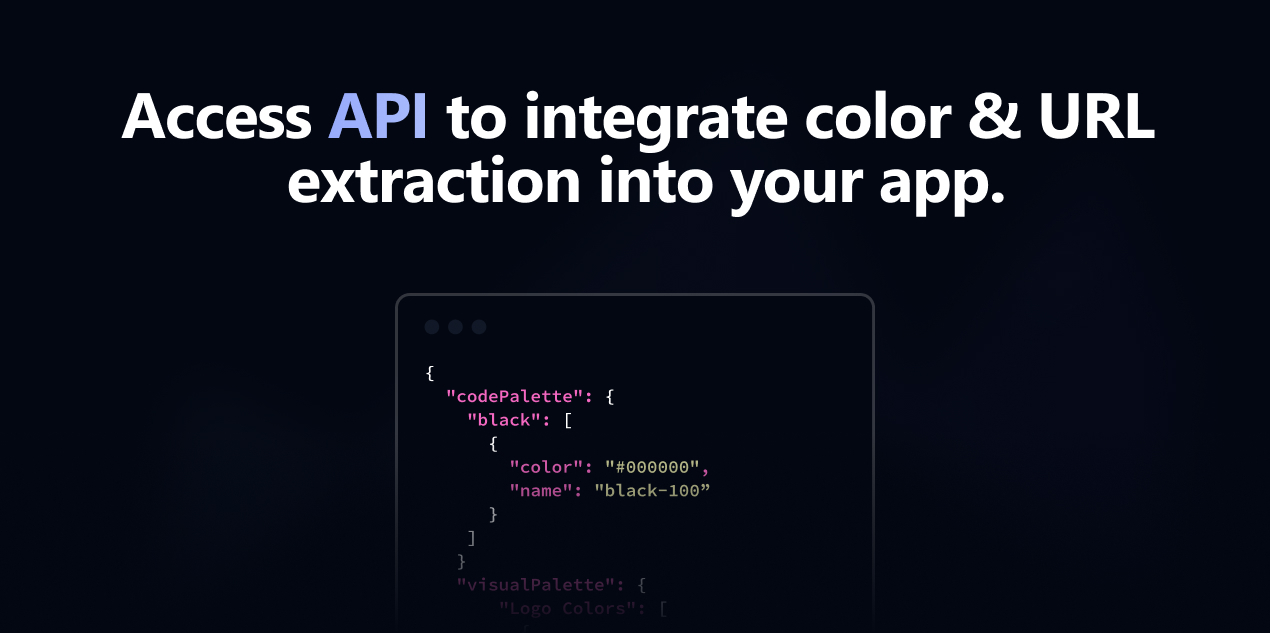
Need color extraction inside your own app? The colorize.design API lets you extract brand colors, palettes, and homepage screenshots from any URL programmatically. Get a free API key to integrate website color, brand, and screenshot extraction into your product. Get an API key →
Frequently asked questions
- How do I extract a color palette from a website?
- Paste the website's URL into colorize.design and press Generate. The tool extracts the site's brand, logo, homepage, and code colors and builds a palette you can copy or download — free and without an account.
- Is colorize.design free?
- Yes. Extracting and downloading color palettes from any website is completely free and requires no sign-up.
- Can I get the brand colors of a website?
- Yes. colorize.design automatically detects a site's primary and secondary brand colors, plus the dominant colors in its logo.
- How do I find the color palette of a website I like?
- Copy its URL, paste it into colorize.design, and you'll instantly see every color the site uses — grouped and ready to export.
- What formats can I export the palette in?
- CSS, SVG, SASS, SCSS, Adobe (ASE, ACT, ACO), Sketch, GIMP, and more — plus one-click hex copying.
- Is this a photo colorizer?
- No. colorize.design extracts the real color scheme from a website URL — it does not colorize black-and-white photos. Enter any site address to pull its colors.